

We often format HTML elements using CSS but can achieve basic text formatting using only HTML. Below are some of the most common HTML formatting elements for text and layout. I also prepared some examples for better understanding.
HTML Elements – Text Formatting#
bold#
<b>...</b>
<div>I am a <b>bold</b> text</div>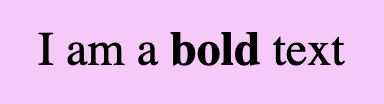
strong#
<strong>...</strong>
<div>I am a <strong>strong</strong> text</div>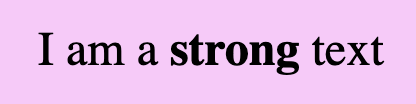
📢 Bold VS Strong#
As we can see below <b> and <strong> look exactly the same. The difference is that we use strong when we have to show an important text and bold when we want just to pay attention to the text, something like highlighting.
<div>I am a <b>simple</b> text BUT i am an <strong>important</strong> text!!</div>
italic#
<i>...</i>
<div>I am an <i>italic</i> text</div>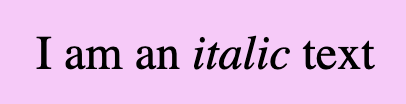
emphasized#
<em>...</em>
<div>I am an <em>emphasized</em> text</div>
📢 Italic VS Emphasized#
Formatting italic <i> and emphasized <em> appear in the exact same way. We use emphasized when we want to give emphasis to the text and italic when we want to present different our text.
<div>I am an <i>italic</i> text BUT i am an <em>emphasized</em> text!!</div>
underline#
<u>...</u>
<div>I am an <u>underline</u> text</div>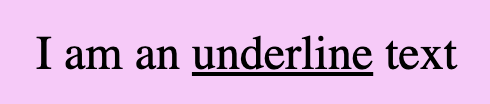
deleted#
<del>...</del>
<div>I am a <del>deleted</del> text</div>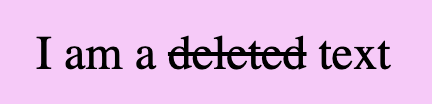
marked#
<mark>...</mark>
<div>I am a <mark>marked</mark> text</div>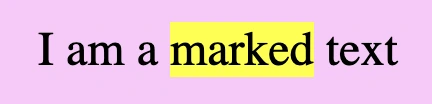
big (obsolete — do not use)#
<big>...</big>
⛔ <big> was removed from the HTML standard. Browsers still render it out of backwards compatibility, but it carries no meaning, no accessibility value, and may stop working. Use CSS font-size instead. It is included here only so you recognise it in old code.
<!-- obsolete: use CSS font-size instead -->
<div>I am a <big>big</big> text</div>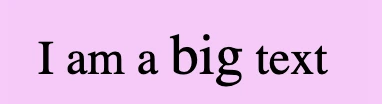
small#
<small>...</small>
<div>I am a <small>small</small> text</div>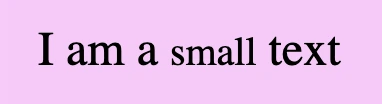
superscript#
<sup>...</sup>
<div>I am a superscripted text: a<sup>2</sup> X a<sup>2</sup> = a<sup>2 + 2</sup></div>
subscript#
<sub>...</sub>
<div>I am a subscripted text: H<sub>2</sub>O</div>
HTML Elements – Layout Formatting#
We can use two tags in HTML to manipulate our document’s layout. Break Line tag <br/> which inserts a new line by adding the tag wherever we want to force the text to break and the Horizontal rule tag <hr> which marks a thematic break between sections of content.
They are both void elements — they have no closing tag and no content. You may see them written <br/> and <hr/>; in HTML that trailing slash is allowed but does nothing, it is a leftover from XHTML.
break line#
<br>
<div>This is a sentence which <br>forced to break in two lines!!</div>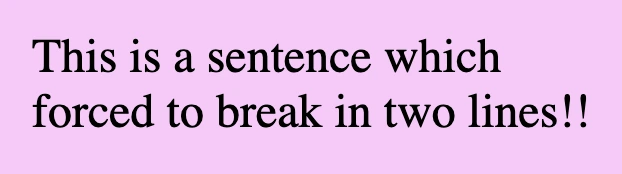
💡 A common practice for adding a new line is using the break line tag, which is helpful if we want to write an address.
<div>Jane Doe<br/>Champs-Élysées Avenue<br/>Paris - France</div>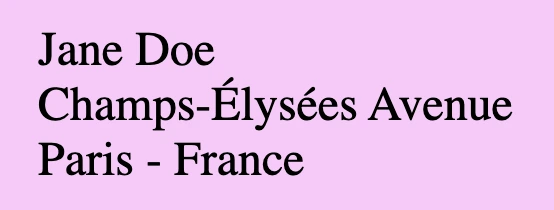
horizontal rule#
<hr>
<h2>Chapter 1</h2>
<p>Here goes text for chapter 1</p>
<hr/>
<h2>Chapter 2</h2>
<p>Here goes text for chapter 2</p>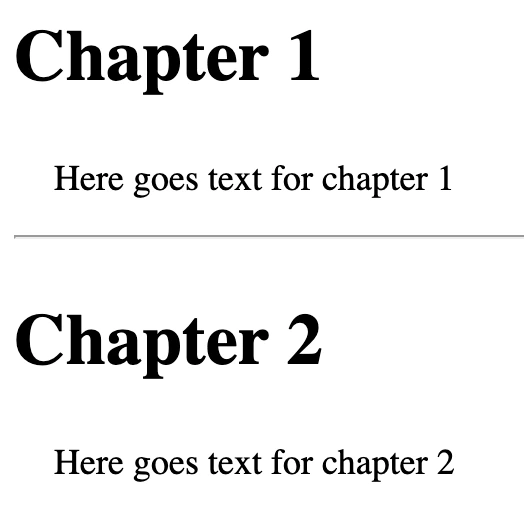
💡 Remember, if you want to apply extra styling, you have to use 🔓 CSS instead! HTML is used as a markup language, whereas CSS is the one responsible for making something more beautiful. 😄