Is our life surrounded by lists ✔ or do we live in a perfect world where taking care of things is unnecessary? Are we able to deal with our problems without organizing them? Are we ready to work on something difficult or, even worse, build something from scratch without using a list of steps? Do lists improve our life balance and make us more methodical? In this post, we will see how to create HTML lists and make our work and, by extension, our lives easier. 😃 ✨
Do lists improve our life balance and make us more methodical?
HTML Lists#
A list is defined as a group of matching items. By default, the list’s direction is vertical. There are three categories of HTML lists: ordered, unordered, and description lists.
Ordered list#
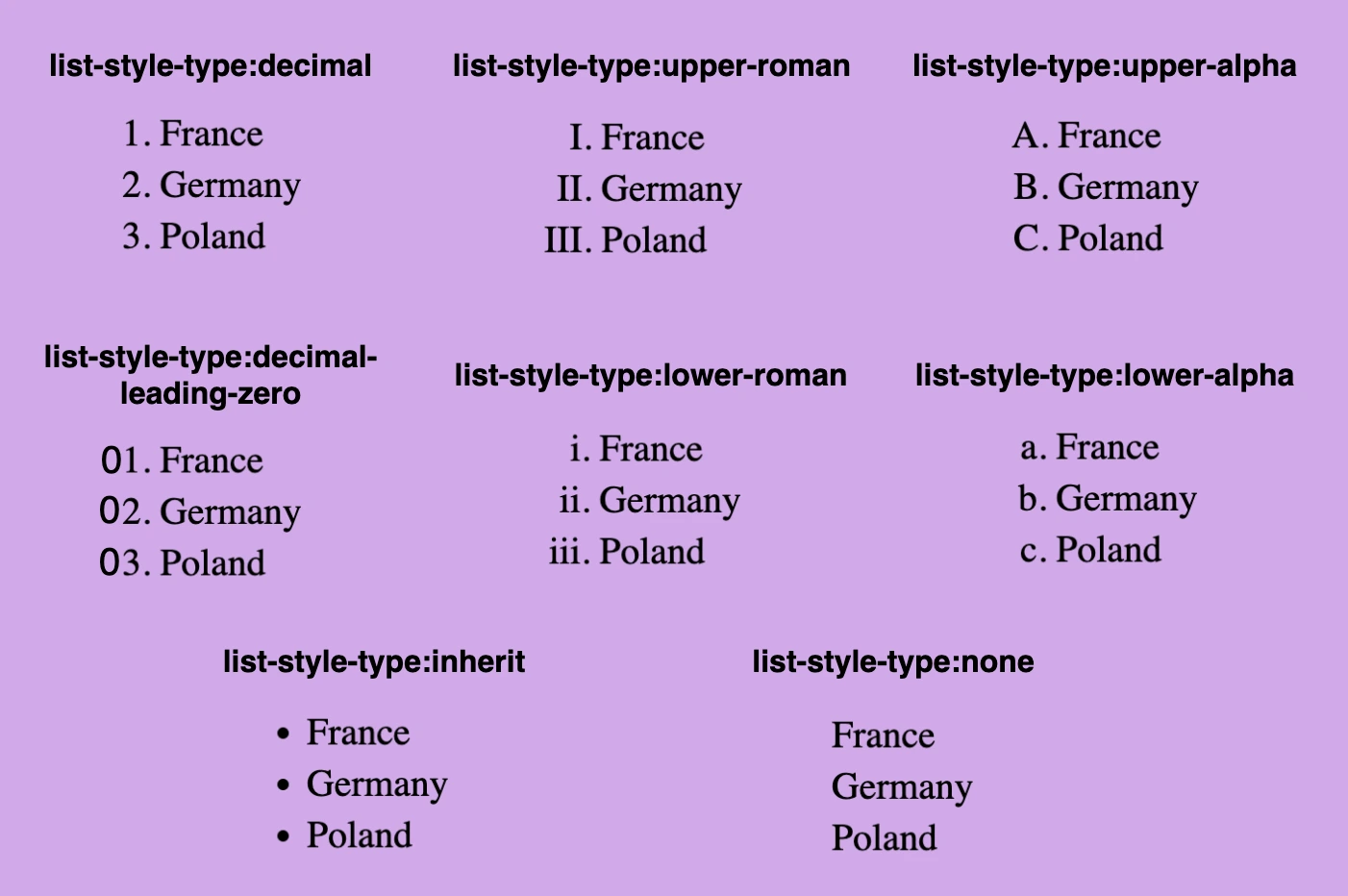
An ordered list, by default, uses numbers as markers for each list item. We have the ability to manipulate the list-style-type property and select the desired style.
<ol style="list-style-type:decimal;"> <!-- decimal is for example, you can choose any list-style-type you prefer -->
  <li>France</li>
  <li>Germany</li>
  <li>Poland</li>
</ol>
Below, you can see the types of the ordered list.
Unordered list#
An unordered list, by default, uses a small filled circle as its marker (list-style-type: disc;). We can manipulate the list-style-type property and choose the willing style.
<ul style="list-style-type:disc;"> <!-- disc is for example, you can choose any list-style-type you prefer -->
  <li>Greece</li>
  <li>Italy</li>
  <li>Spain</li>
</ul>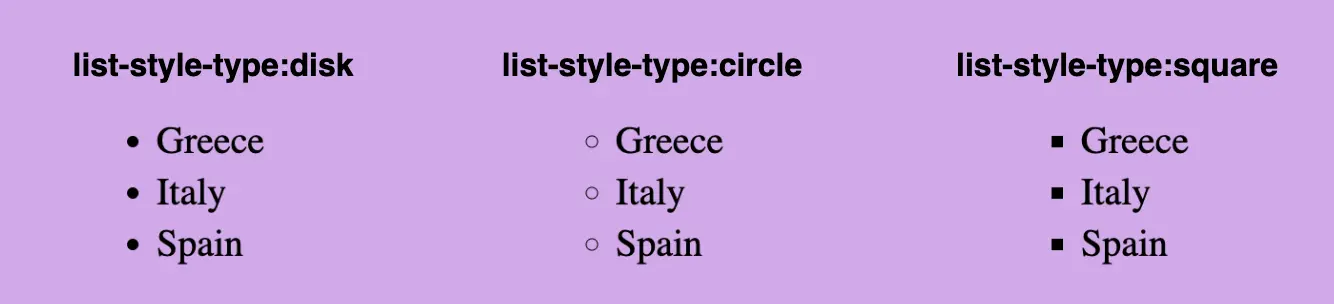
💡Combination of lists#
Combine ordered & unordered lists and make them more POWERFUL.
<ol>
  <li>France
    <ul style="list-style-type:circle">
      <li>Paris
        <ul style="list-style-type:square">
          <li>Eiffel Tower</li>
          <li>Louvre Museum</li>
        </ul>
      </li>
      <li>Lyon</li>
      <li>Marseille</li>
    </ul>
  </li>
  <li>Germany</li>
  <li>Poland
    <ol style="list-style-type:lower-alpha">
      <li>Krakow</li>
      <li>Gdansk</li>
    </ol>
  </li>
  <li>Belgium
    <ol style="list-style-type:decimal-leading-zero">
      <li>Brussels</li>
      <li>Bruges
        <ul style="list-style-type:square">
          <li>Canals</li>
          <li>City Hall</li>
        </ul>
      </li>
      <li>Lier</li>
    </ol>
  </li>
</ol>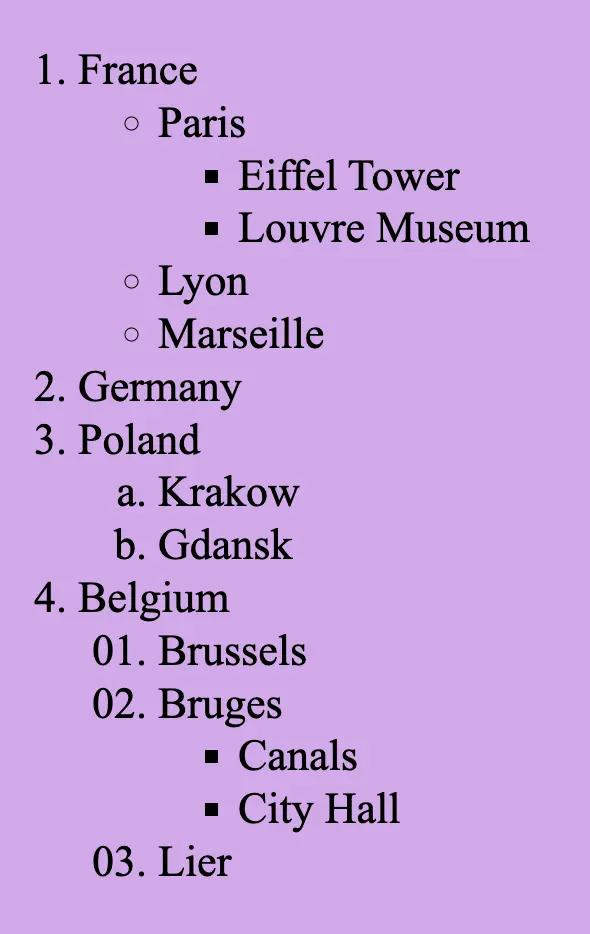
Description list#
Description lists are used when we want to show terms followed by their descriptions. It consists of <dl> tag (a description list) which requires two elements. The first one is a <dt> tag, the description term element, and the second one is the <dd> tag, the description element.
Keep in mind, that the <dd> element has some margin-left set by default.
📝 We must pay attention to the correct order, as <dt> tag always comes before <dd> tag.
<dl>
  <dt><b>HTML</b></dt>
  <dd>The HyperText Markup Language or HTML is the standard markup language for documents designed to be displayed in a web browser.</dd>
  <dt><b>CSS</b></dt>
  <dd>Cascading Style Sheets is a style sheet language used for describing the presentation of a document written in a markup language such as HTML or XML.</dd>
</dl>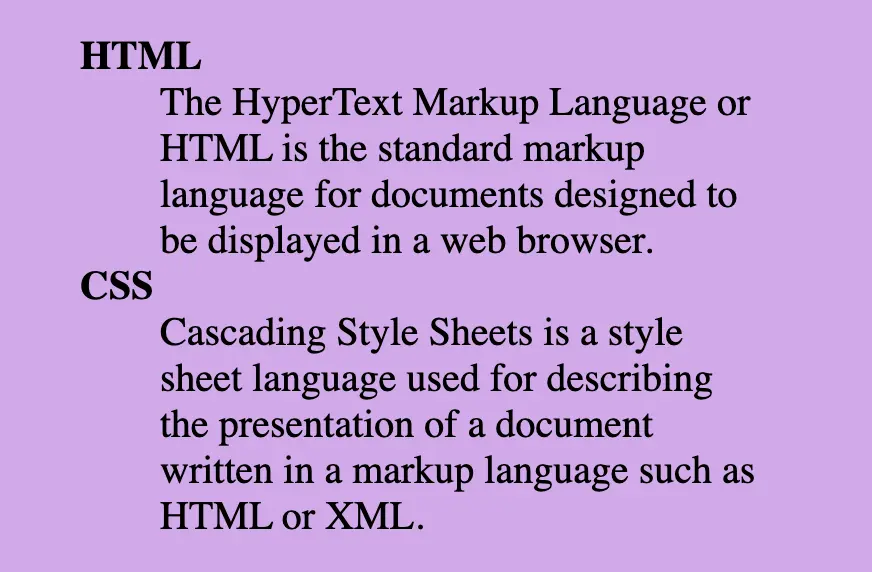
💎 Special lists#
Image list#
In HTML lists, instead of marks, we can also use an image. Although it is really demanding, if we choose the appropriate image and do all the necessary modifications we can achieve a really amazing result. We have to replace the marks and create a list by adding the image’s URL to the list-style-image property.
<ul
 style="list-style-image:url('https://images.unsplash.com/photo-1464820453369-31d2c0b651af?ixlib=rb-4.0.3&ixid=MnwxMjA3fDB8MHxwaG90by1wYWdlfHx8fGVufDB8fHx8&auto=format&fit=crop&w=20&q=80');"
>
  <li>Choose</li>
  <li>the</li>
  <li>appropriate</li>
  <li>image :-)</li>
</ul>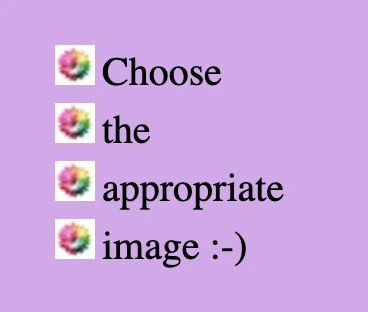
List with one emoticon#
We can also make HTML lists using the same emoticon by adding it to the content property.
<ol class="emoticon-face">
  <li>HTML</li>
  <li>CSS</li>
  <li>JAVASCRIPT</li>
</ol>.emoticon-face {
list-style: none;
li::before {
content: "🥰";
margin-right: 10px;
}
& li:not(:last-child) {
margin-bottom: 10px;
}
} /* end of emoticon-face */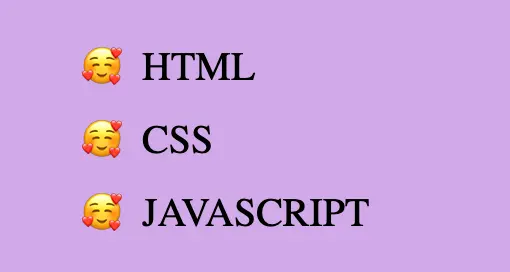
List with different emoticons#
We can use more than one emoticon by setting the nth-child pseudo-class and thus utilize different emoticons to content property each time.
<ul class="emoticons-weather">
  <li>Sunny days</li>
  <li>Cloudy days</li>
  <li>Rainy days</li>
  <li>Snowy days</li>
</ul>.emoticons-weather {
list-style: none;
}
/* We use :not(:last-child) selector because we want to add distance
* between all list items apart from the last one.
*/
li:not(:last-child) {
margin-bottom: 4px;
}
.emoticons-weather li {
&::before {
margin-right: 8px;
}
&:nth-child(1)::before {
content: "🌞";
}
&:nth-child(2)::before {
content: "🌥";
}
&:nth-child(3)::before {
content: "☔";
}
&:nth-child(4)::before {
content: "⛄";
}
} /* end of emoticons-weather li */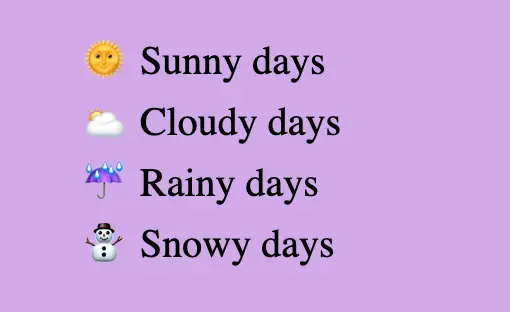
🤗 I chose these lovely emoticons above for my examples, but you can select any emoticon you want! All you have to do is copy and paste them into the content property.
Horizontal list#
By default, HTML lists are vertical & list items have display: block;. Because of their blocked display, each list item takes up the available screen width and starts in a new line. In order to use them in a horizontal direction, we must implement them by changing the list-style property to none list-style: none; and setting the display property to inline-block display: inline-block;. This way, they occupy the same space as their size, and we can put them, side by side, on the same line.
💡 It is common to use horizontal lists in order to make navbars.
<ul class="horizontal-direction">
  <li>Home</li>
  <li>Our work</li>
  <li>About us</li>
  <li>Contact</li>
</ul>.horizontal-direction {
background-color: orange;
max-width: 350px;
list-style: none;
& li {
display: inline-block;
}
& li:not(:last-child) {
padding-right: 10px;
}
} /* end of horizontal-direction */